Perplexity
An AI search engine that answers with sources you can click and check.
Published 2026-10-21 · Sources checked 2026-10-21
Short answer: for fast web questions with visible sources, start with Perplexity. To dig into your own PDFs and notes, use Gemini Notebook (formerly NotebookLM). When research turns into writing, spreadsheets or a report, try ChatGPT, Claude or Gemini.
AI research tools save time finding information. They don't replace opening the sources, especially for health, legal, money or safety decisions.
| Tool | Best starting use | What to check |
|---|---|---|
| Perplexity | Answers to web questions with numbered sources | Does the cited page really support the sentence? |
| Gemini Notebook | Questions about your own uploaded files | Answers only cover what you uploaded |
| ChatGPT | Research plus drafts, data analysis and files | Did it actually search the web? Are sources shown? |
| Claude | Reading and writing about long material | Did it search, or only use the text you gave it? Research mode needs Pro. |
| Gemini | Research and drafting in your Google account | Deep Research limits on your account |
Editorial starting points based on official product pages, not a controlled benchmark. Features vary by account and plan.
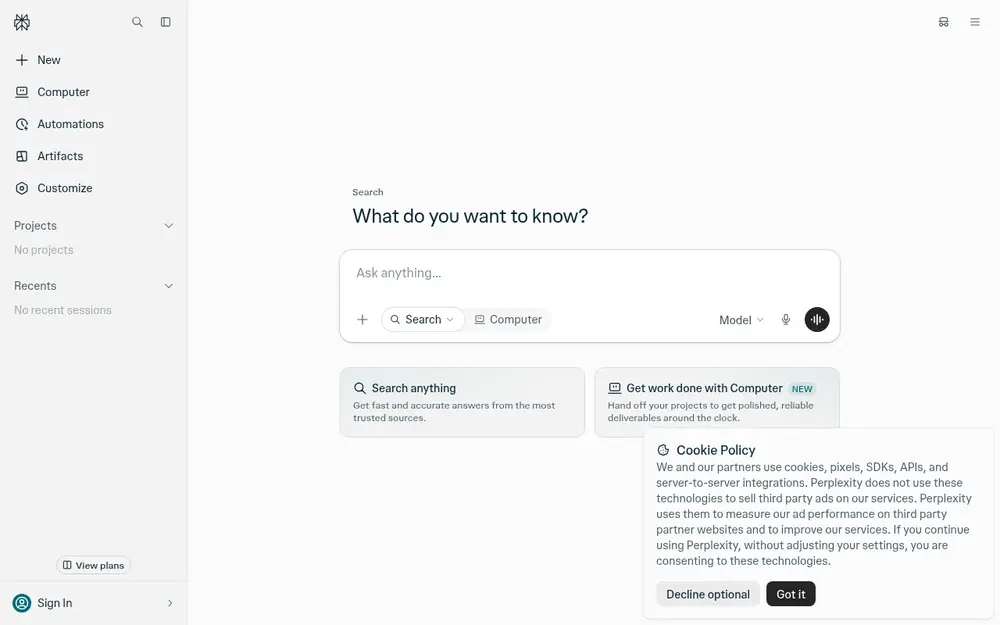
Use a source-first tool like Perplexity. Open the original article and look at its date and author before trusting the summary. A citation can be on topic without proving every part of the AI's sentence.
Ask for a table of must-have features, free-plan limits, official links and an "unknown" column. That turns a vague recommendation into something you can check.
Gemini Notebook answers from the files you upload, with citations back to them. ChatGPT and Claude also take uploads (with limits on free plans). Only upload documents you're allowed to share, and ask it to point to the exact section it used.
A general assistant works when the end result is a briefing, proposal or summary. Keep collecting sources and writing as separate steps so the finished document can be checked. Gemini's Deep Research and Claude's Research mode (Pro) are built for longer reports.
Compare three AI website builders for someone making a small directory site. Use official pricing and feature pages current as of today. Include free-plan publishing limits, export options, custom domains and costs. Cite each key claim. Mark anything uncertain instead of guessing.
Want the answer to that one? We did it in AI website builders without coding.
An AI search engine that answers with sources you can click and check.
A chat assistant that answers questions, writes, explains and brainstorms with you.
A thoughtful chat assistant that is great at writing, long documents and careful reasoning.
Google's AI assistant, built into your Google account, good for questions, images and research.
Upload your notes or PDFs and chat with them, or turn them into a podcast-style audio summary. Renamed from NotebookLM in July 2026.
Related: 🎓 Free AI tools for studentsChatGPT vs Claude vs Gemini💬 Chat with an AI assistant
Not sure where to start? Take the quick quiz and get a pick for your task.
For quick web questions with sources you can click, start with Perplexity. To research your own PDFs and notes, use Gemini Notebook (formerly NotebookLM). For research that ends in a written report or analysis, ChatGPT, Claude or Gemini fit better. Pick by the evidence you need, not the nicest-sounding answer.
Use one that shows real sources, then read and cite the original paper. Library databases and publisher pages are still the source of truth. Students: see our guide to free AI tools for students.
Yes. Web search is included on the ChatGPT free plan, according to OpenAI's Free Tier FAQ, with usage limits that can change. Check whether an answer actually used search and shows sources.
Yes, basic search is free. Free limits: Basic searches practically unlimited; 3 Pro Searches a day; 1 Research query a month; 3 uploads a day. (checked 2026-10-20)
Yes. AI tools can cite pages that don't support the claim, or invent references entirely. Always open and read important citations.
Toolnary has not run controlled benchmarks of these products. Plans, limits and features change often, so check the official page before you rely on a limit.